
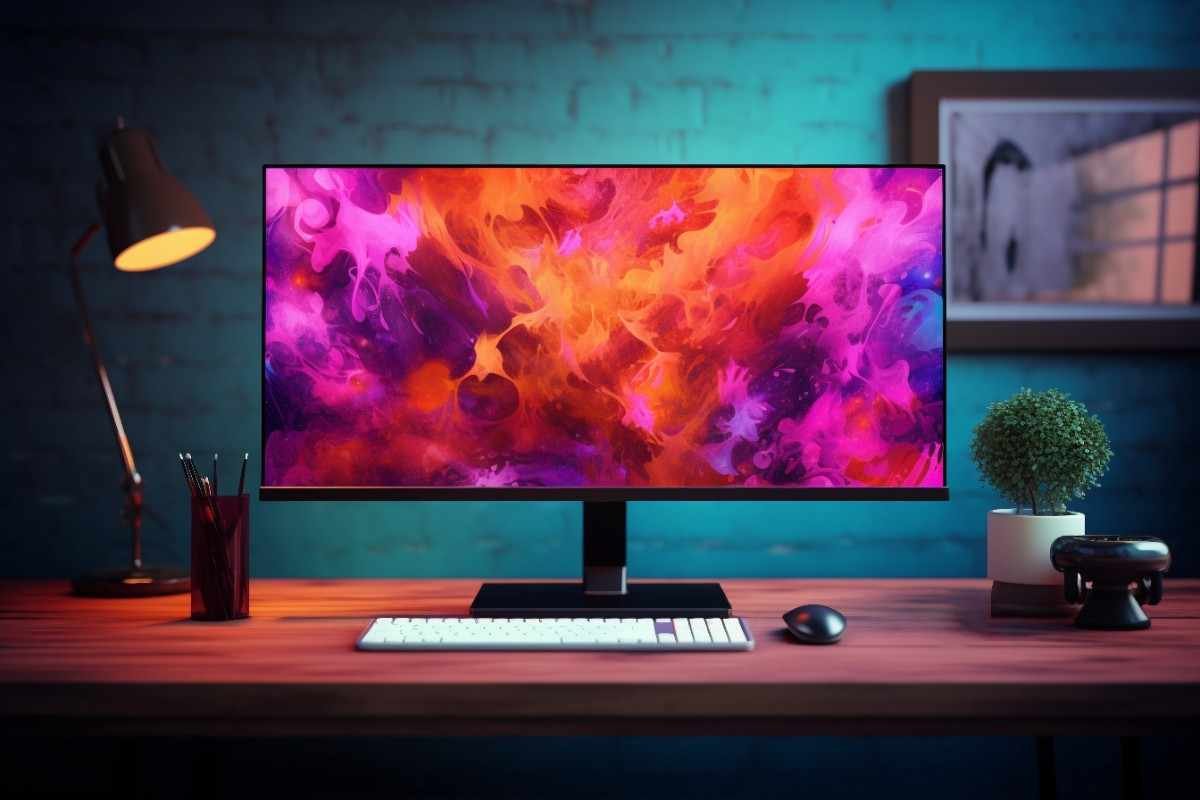
Introduction: Why Your Monitor Matters More Than You Think
If you’ve ever felt eye strain after long hours of work, struggled with blurry visuals, or noticed lag while gaming, your monitor might be the problem—not your computer. Many people invest heavily in CPUs or graphics cards but overlook the importance of a quality display.
A good monitor can completely transform your experience—whether you’re working, gaming, editing videos, or just browsing. From sharper resolution to smoother refresh rates, the right choice improves productivity, comfort, and entertainment.
In this guide, you’ll learn everything you need to know about choosing the perfect monitor, even if you’re a beginner.
What is a Monitor? (Simple Explanation)
A monitor is the screen that displays visual output from your computer. Think of it as your digital window into everything—documents, videos, games, and more.
Modern monitors come with advanced features like:
High resolution for crisp images
Fast refresh rates for smooth motion
Advanced panels like IPS Panel for better viewing angles
Improved color accuracy for creative work
Whether you’re using it for office tasks or high-end gaming, the right display makes a big difference.
Key Benefits of a High-Quality Monitor
Investing in a good monitor isn’t just about looks—it’s about performance and comfort.
- Better Visual Experience
A higher resolution means sharper text and clearer images. Ideal for designers, editors, and everyday users. - Reduced Eye Strain
Features like flicker-free screens and blue light filters protect your eyes during long sessions. - Smoother Performance
A higher refresh rate (like 120Hz or 144Hz) ensures smooth scrolling and gaming. - Improved Productivity
More screen space and better clarity help you multitask efficiently. - Accurate Colors
Great color accuracy is essential for photo editing, video production, and graphic design.
Important Features to Consider
Choosing a monitor can feel overwhelming, but focusing on these key features makes it easier.
Display Resolution
Resolution determines how clear your screen looks:
Full HD (1920×1080) – Budget-friendly, good for general use
QHD (2560×1440) – Sharper, great for professionals
4K (3840×2160) – Ultra-clear, best for creatives
Screen Size
Common sizes include:
22–24 inches: Compact and affordable
27 inches: Ideal balance for work and gaming
32+ inches: Immersive experience
Refresh Rate
Measured in Hz, it defines how smooth motion appears:
60Hz – Standard use
75–100Hz – Better for casual gaming
144Hz+ – Perfect for competitive gaming
Panel Type (IPS Panel vs Others)
IPS Panel – Best for color and viewing angles
TN Panel – Faster but lower quality visuals
VA Panel – Good contrast but slower response
Response Time
Lower response time (1ms–5ms) reduces motion blur—important for gamers.
Connectivity (HDMI and More)
Look for:
HDMI ports (standard for most devices)
DisplayPort (for high refresh rates)
USB-C (for modern laptops)
Contrast Ratio & Brightness
A higher contrast ratio gives deeper blacks and brighter whites, improving image quality.
Types of Monitors: Which One is Right for You?
- Office Monitors
Basic features
Affordable
Good for everyday tasks
- Gaming Monitors
High refresh rate
Low response time
Often include adaptive sync
- Professional Monitors
Excellent color accuracy
High resolution
Ideal for designers and editors
- Ultrawide Monitors
Wider screen size
Great for multitasking
Immersive viewing experience
Pros and Cons of Modern Monitors
Pros
Sharp and vibrant display quality
Wide range of sizes and features
Better eye comfort features
Suitable for multiple uses
Cons
High-end models can be expensive
Too many options can confuse buyers
Some require powerful hardware
Who Should Buy a High-Quality Monitor?
A good monitor is essential if you are:
A student attending online classes
A remote worker needing productivity tools
A gamer wanting smooth gameplay
A designer or video editor requiring accurate colors
A content creator focused on visuals
Even casual users benefit from improved comfort and clarity.
Monitor Buying Guide: Smart Tips Before You Buy
Here are practical tips to help you choose the right monitor:
- Know Your Purpose
Don’t overspend on features you won’t use. For example:
Office work → 24” Full HD is enough
Gaming → Focus on refresh rate
Editing → Prioritize color accuracy
- Match Your Hardware
A 4K monitor is useless if your computer can’t handle it smoothly. - Check Ports Compatibility
Ensure your device supports HDMI or DisplayPort. - Consider Ergonomics
Look for adjustable height, tilt, and eye-care features. - Read Reviews
Always check real user feedback before buying.
Real-Life Use Cases
Work from home: A 27-inch IPS monitor boosts productivity
Gaming setup: 144Hz monitor improves reaction time
Photo editing: 4K monitor ensures precise color grading
Multitasking: Ultrawide display replaces dual monitors
Frequently Asked Questions (FAQs)
- What is the best monitor size for everyday use?
A 24 to 27-inch monitor is ideal for most users, balancing comfort and screen space. - Is 4K resolution worth it?
Yes, especially for professionals and creatives. For basic use, Full HD is enough. - What refresh rate do I need?
60Hz for general use
144Hz+ for gaming
- IPS vs VA vs TN – which is best?
IPS panels offer the best overall balance of color and viewing angles. - Does response time matter?
Yes, especially for gaming. Lower response times reduce blur and ghosting.
Conclusion: Upgrade Your Monitor, Upgrade Your Experience
Your monitor is more than just a screen—it’s where everything happens. Whether you’re working, gaming, or creating, the right monitor can dramatically improve your experience.
Instead of settling for a basic display, invest in a monitor that fits your needs. Focus on the right resolution, refresh rate, and screen size, and you’ll see the difference immediately.
👉 Ready to upgrade? Explore top-rated monitors now and choose one that transforms the way you work and play.