
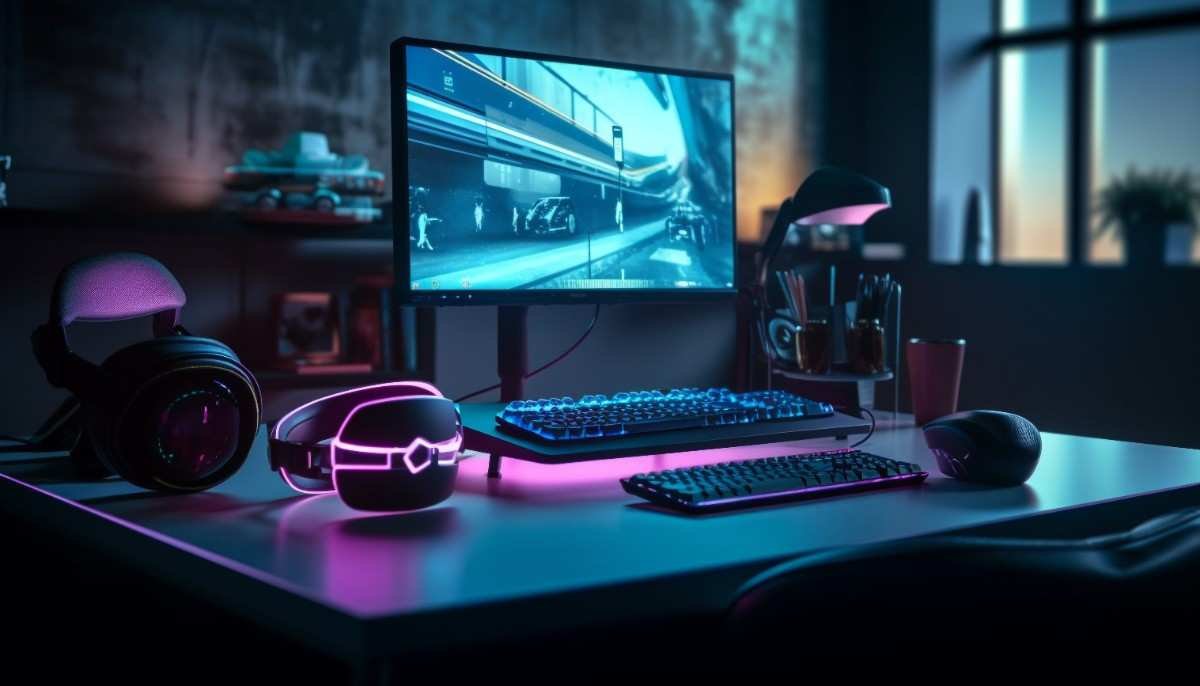
🕹️ Introduction: Why Your Setup Might Be Holding You Back
Imagine this: you’ve got a powerful gaming PC or console, your favorite game is loaded, and you’re ready to dominate—yet something feels off. Your aim isn’t precise, your reactions feel delayed, and long sessions leave you uncomfortable. Sound familiar?
The truth is, even the best gaming systems can underperform without the right gaming accessories. Whether you’re a casual player, a competitive esports enthusiast, or a content creator, your setup plays a massive role in your performance and overall experience.
In this guide, we’ll break down everything you need to know about gaming accessories—what they are, why they matter, and how to choose the best ones for your needs.
🎯 What Are Gaming Accessories?
Gaming accessories are external devices or enhancements designed to improve your gaming performance, comfort, and immersion. These tools go beyond the basic hardware (like your PC or console) and elevate your gameplay to a whole new level.
They include:
🎮 Gaming mouse
⌨️ Mechanical keyboard
🎧 Gaming headset
🖥️ Gaming monitor
🪑 Gaming chair
🧩 Mouse pad
🎮 Controller
🕶️ VR headset
🔌 USB hub
Each accessory serves a specific purpose—whether it’s precision, speed, comfort, or immersion.
🚀 Benefits of Gaming Accessories
🔥 1. Enhanced Performance
A high-quality gaming mouse with adjustable DPI and precision sensors can significantly improve your aiming accuracy, especially in FPS games.
🎧 2. Immersive Experience
A good gaming headset delivers surround sound, letting you hear footsteps, gunfire direction, and environmental cues with clarity.
💺 3. Comfort for Long Sessions
Accessories like a gaming chair or ergonomic keyboard reduce strain and fatigue, making long gaming sessions enjoyable rather than painful.
🌈 4. Aesthetic Appeal
RGB lighting setups not only look amazing but also create a personalized gaming environment.
⚡ 5. Better Productivity (Bonus!)
Many gaming accessories double as productivity tools—perfect for work, streaming, or content creation.
🔑 Key Features to Look For
🖱️ Gaming Mouse
Adjustable DPI settings
Ergonomic design
Programmable buttons
Low latency response
⌨️ Mechanical Keyboard
Tactile or linear switches
Durable build quality
RGB lighting customization
Anti-ghosting and N-key rollover
🎧 Gaming Headset
Surround sound (7.1 preferred)
Noise cancellation
Comfortable ear cushions
Clear microphone
🖥️ Gaming Monitor
High refresh rate (144Hz or higher)
Low response time (1ms)
Adaptive sync (Free Sync/G-Sync)
Resolution (1080p, 1440p, or 4K)
🎮 Controller
Ergonomic grip
Wireless connectivity
Responsive triggers
Compatibility with multiple platforms
🧩 Mouse Pad
Smooth surface for precision
Anti-slip base
Large size for better movement
🪑 Gaming Chair
Lumbar support
Adjustable height and recline
Breathable material
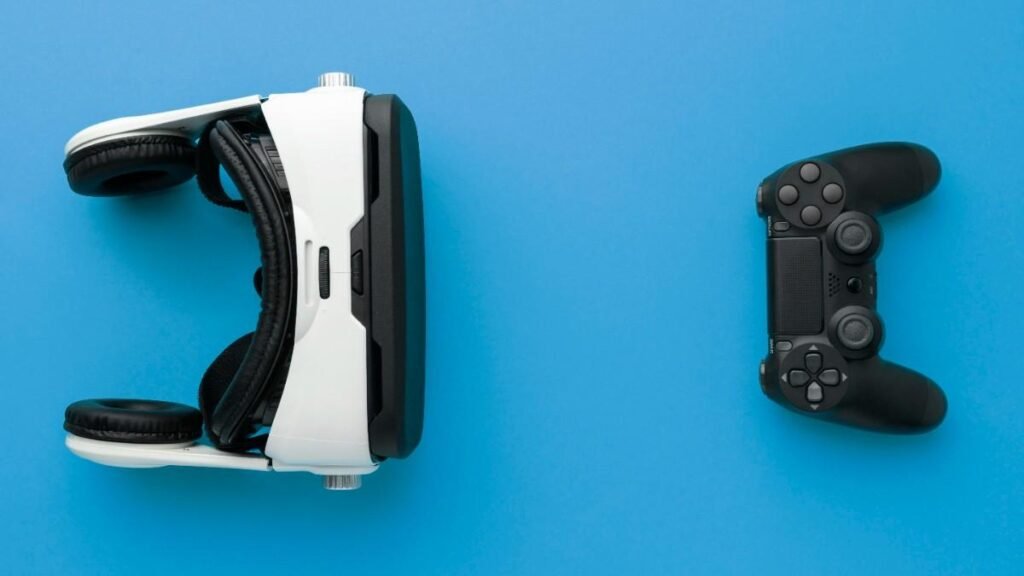
⚖️ Gaming Accessories Comparison
| Accessory | Best For | Price Range | Skill Level |
|---|---|---|---|
| Gaming Mouse | FPS & precision games | Low–High | All levels |
| Mechanical Keyboard | Fast typing & gaming | Medium–High | Intermediate+ |
| Gaming Headset | Communication & immersion | Medium | All levels |
| Gaming Monitor | Visual performance | High | Intermediate+ |
| Controller | Console & casual gaming | Medium | Beginners |
| VR Headset | Immersive gaming | High | Advanced |
✅ Pros and ❌ Cons of Gaming Accessories
✅ Pros
Improved reaction time and gameplay precision
Better comfort during extended sessions
Enhanced immersion and audio-visual experience
Customization and personalization options
❌ Cons
Can be expensive (especially high-end gear)
Too many options can be overwhelming
Some accessories require setup or learning curve
RGB and extra features may be unnecessary for casual gamers
👥 Who Should Buy Gaming Accessories?
🎮 Beginners
If you’re just starting out, focus on essentials:
Gaming mouse
Basic headset
Comfortable chair
⚔️ Intermediate Gamers
Upgrade your setup for better performance:
Mechanical keyboard
Gaming monitor
Larger mouse pad
🏆 Advanced / Competitive Gamers
Go all-in with premium gear:
High-end mouse with customizable weights
240Hz monitor
Professional-grade headset
VR headset for immersive experiences
🛒 Gaming Accessories Buying Guide
Choosing the right accessories can feel overwhelming, but here’s a simple roadmap:
💡 1. Identify Your Gaming Style
FPS → prioritize mouse & monitor
RPG → focus on immersion (headset, controller)
Simulation → consider VR headset
💰 2. Set a Budget
Avoid overspending on features you won’t use. Start with essentials and upgrade gradually.
🔌 3. Check Compatibility
Ensure your accessories work with your platform (PC, PlayStation, Xbox, etc.).
🧪 4. Read Reviews & Ratings
Look for real user experiences to understand durability and performance.
🛠️ 5. Focus on Comfort
Ergonomics matter more than flashy features—especially for long sessions.
🌈 6. Don’t Overvalue RGB
RGB lighting looks great but doesn’t improve performance—treat it as a bonus, not a priority.
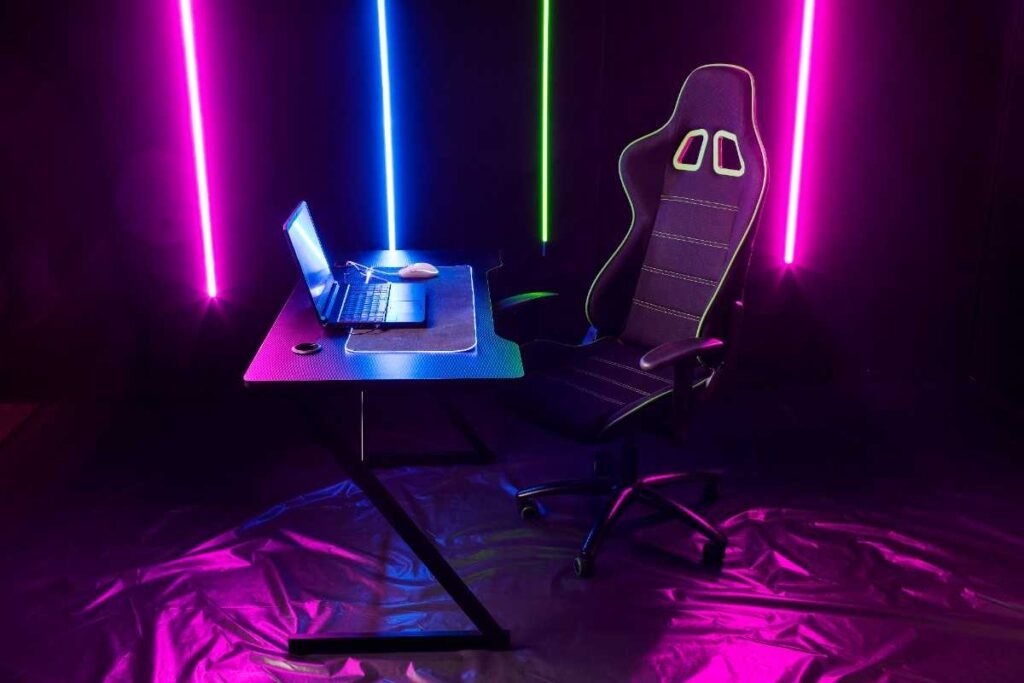
❓ FAQs About Gaming Accessories
- Do gaming accessories really make a difference?
Yes. The right accessories can significantly improve your reaction time, accuracy, and overall comfort.
- What is the most important gaming accessory?
A gaming mouse and gaming headset are usually the most impactful for most gamers.
- Are expensive accessories worth it?
Not always. Mid-range options often provide the best balance between performance and price.
- Can I use regular accessories for gaming?
Yes, but gaming-specific accessories are optimized for performance and comfort.
- How often should I upgrade my accessories?
Upgrade when performance drops, comfort declines, or when your needs change.
🏁 Conclusion: Level Up Your Gaming Experience
Gaming is no longer just about having a powerful PC or console—it’s about building a complete ecosystem. The right gaming accessories can transform your gameplay from average to exceptional.
Start small, focus on what matters most for your gaming style, and upgrade over time. Whether it’s a precision gaming mouse, a responsive mechanical keyboard, or an immersive gaming headset, every addition brings you closer to the ultimate gaming setup.
👉 Ready to upgrade your setup? Explore top-rated gaming accessories today and take your gaming performance to the next level!


Just wanted to drop a quick note saying how much I enjoy spinning here. The design is clean and you never get lost hunting for a game. Bonus rounds trigger naturally and I never felt like anything was rigged. Keeping this as my main spot for stress free fun. 177betcasino