
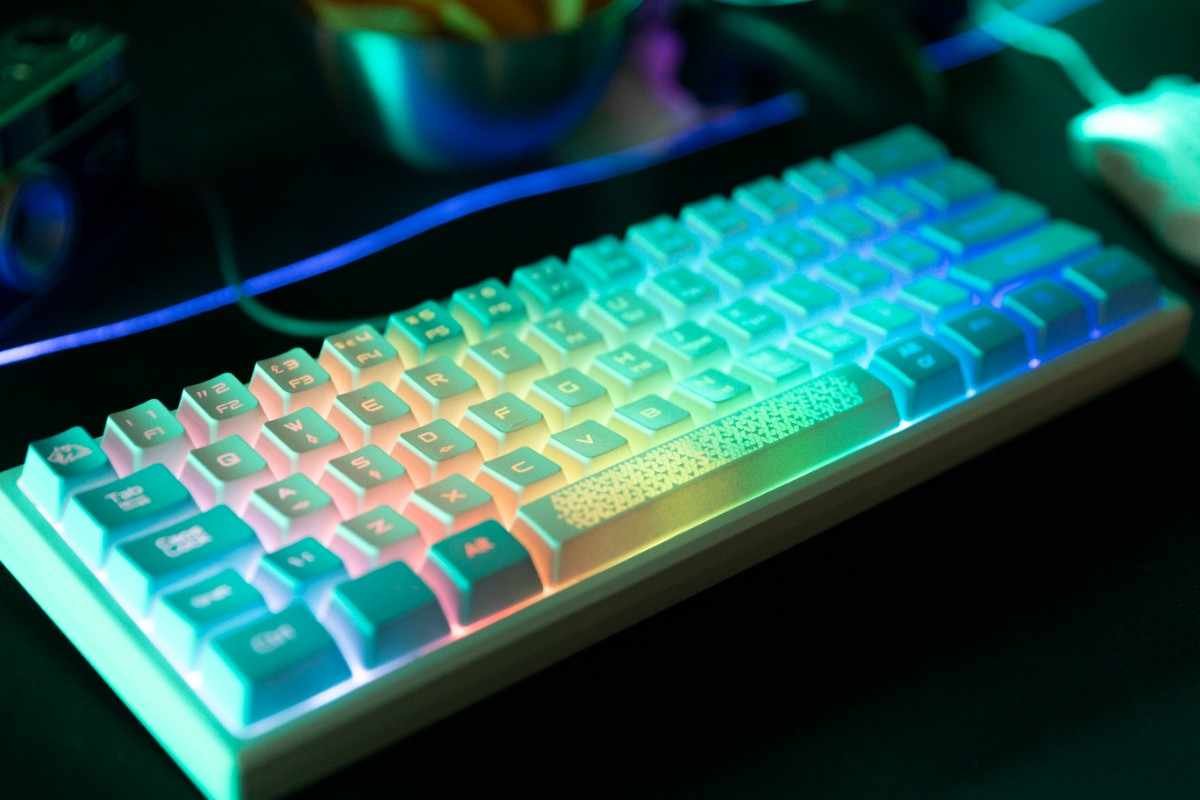
Introduction: Why Your Keyboard Choice Matters More Than You Think
If you spend hours typing—whether for work, gaming, or casual browsing—you already know how frustrating a bad keyboard can be. Sticky keys, loud clicks, poor ergonomics, or leggy wireless connections can ruin your productivity and comfort.
A keyboard isn’t just a basic accessory anymore. It’s a tool that directly impacts your speed, accuracy, comfort, and even long-term health. The right keyboard can boost your workflow, enhance your gaming performance, and reduce strain on your hands and wrists.
But with so many options—mechanical, wireless, ergonomic, RGB gaming keyboards, and more—it’s easy to feel overwhelmed.
This guide breaks everything down in a simple, practical way so you can confidently choose the best keyboard for your needs.
What Is a Keyboard? (And Why It’s Not One-Size-Fits-All)
A keyboard is an input device used to type text, execute commands, and interact with computers or devices. While all keyboards perform the same basic function, their design, technology, and features vary significantly.
Modern keyboards come in different types:
Mechanical keyboards – Known for tactile feedback and durability
Membrane keyboards – Quiet and budget-friendly
Wireless keyboards – Offer flexibility and clean setups
Ergonomic keyboards – Designed for comfort and wrist health
Gaming keyboards – Built for speed, precision, and customization
Each type serves a different purpose, so choosing the right one depends on how you plan to use it.
Key Benefits of Choosing the Right Keyboard
A good keyboard does more than just let you type—it enhances your entire experience.
- Improved Typing Speed and Accuracy
High-quality keyboards offer better key response and spacing, helping you type faster with fewer errors. - Comfort for Long Hours
An ergonomic keyboard reduces wrist strain and prevents fatigue, especially important for office workers and writers. - Better Gaming Performance
Gaming keyboards provide faster response times, anti-ghosting, and customizable keys for competitive play. - Enhanced Aesthetics
Features like RGB lighting and backlit keys make your setup look modern and stylish. - Portability and Flexibility
Wireless and Bluetooth keyboards allow you to work from anywhere without cable clutter.
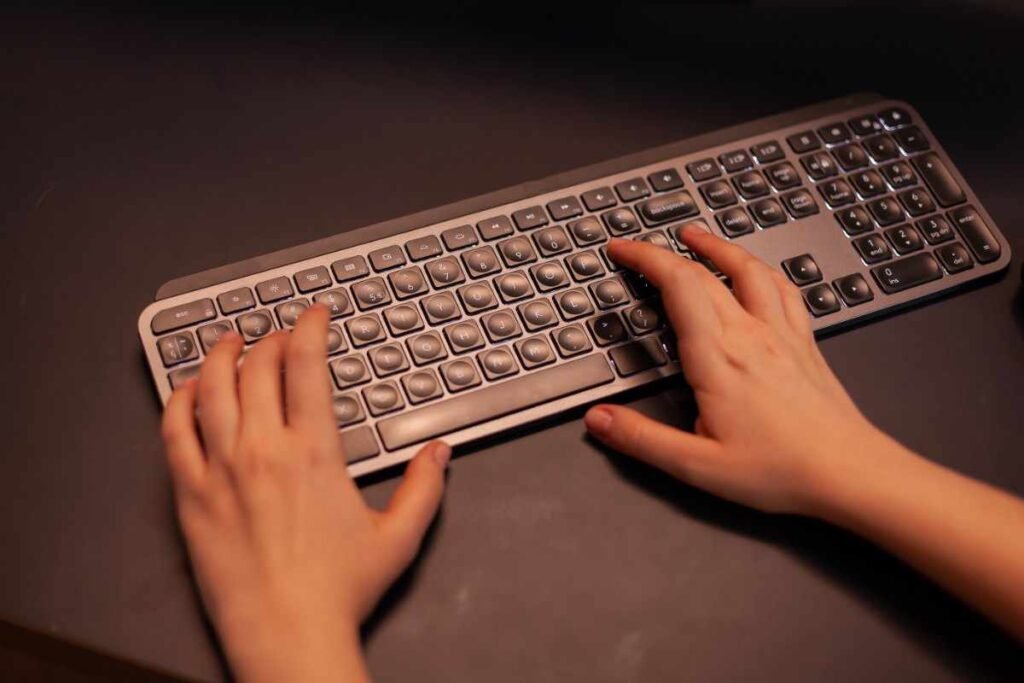
Key Features to Look for in a Keyboard
When shopping for a keyboard, these features matter most:
🔹 Mechanical vs Membrane
Mechanical: Durable, tactile, customizable
Membrane: Quieter, cheaper, softer feel
🔹 Connectivity Options
USB connection: Reliable, no latency
Wireless/Bluetooth: Clean setup, portable
🔹 Backlit & RGB Lighting
Useful for low-light typing
Adds aesthetic appeal
🔹 Ergonomic Design
Split keyboards
Wrist support
Curved layouts
🔹 Compact vs Full-Size
Compact: Saves desk space, portable
Full-size: Includes number pad, better for productivity
🔹 Noise Level
Silent typing keyboards are ideal for offices
Mechanical keyboards can be louder depending on switches
Mechanical vs Wireless vs Ergonomic Keyboards: Quick Comparison
| Feature | Mechanical | Wireless | Ergonomic |
|---|---|---|---|
| Typing Feel | Tactile & precise | Varies | Comfortable |
| Portability | Moderate | High | Moderate |
| Noise | Medium to loud | Quiet to moderate | Quiet |
| Best For | Gamers, coders | Travelers, minimalists | Office workers |
| Price Range | Medium–high | Low–high | Medium–high |
Pros and Cons of Keyboards
✅ Pros
Enhances productivity and typing speed
Wide variety of designs and features
Options for every budget
Improves comfort and reduces strain
Customizable for gaming and aesthetics
❌ Cons
High-end keyboards can be expensive
Mechanical keyboards can be noisy
Wireless keyboards require charging or batteries
Too many options can make choosing difficult
Who Should Buy Which Type of Keyboard?
Choosing the right keyboard depends on your use case:
👨💻 For Office Workers & Writers
Go for an ergonomic or silent typing keyboard
Prioritize comfort and low noise
🎮 For Gamers
Choose a mechanical gaming keyboard
Look for RGB lighting, fast response time, and anti-ghosting
🎒 For Students & Travelers
A compact wireless keyboard is ideal
Lightweight and easy to carry
🧑💻 For Programmers & Tech Enthusiasts
Mechanical keyboards with customizable switches are best
Focus on durability and typing feel
Keyboard Buying Guide: How to Choose the Best One
Here’s a step-by-step guide to help you pick the perfect keyboard:
- Identify Your Purpose
Ask yourself:
Do you type a lot?
Do you game frequently?
Do you need portability?
- Choose the Right Type
Mechanical for performance
Wireless for flexibility
Ergonomic for comfort
- Check Connectivity
USB for reliability
Bluetooth for convenience
- Consider Build Quality
Look for durable materials
Check key lifespan (especially for mechanical keyboards)
- Evaluate Extra Features
Backlit keys
RGB lighting
Programmable keys
Wrist rest
- Set Your Budget
Budget: Basic membrane keyboards
Mid-range: Wireless or entry mechanical
Premium: High-end mechanical or ergonomic keyboards
Real-Life Use Cases
A freelance writer benefits from a quiet, ergonomic keyboard to avoid fatigue
A gamer gains an edge with a fast mechanical keyboard
A student prefers a compact Bluetooth keyboard for portability
A designer may enjoy RGB lighting and customizable keys
Frequently Asked Questions (FAQs)
- Are mechanical keyboards better than regular keyboards?
Yes, mechanical keyboards offer better durability, faster response, and a more satisfying typing experience. However, they can be noisier and more expensive. - Is a wireless keyboard good for gaming?
Wireless keyboards are improving, but competitive gamers still prefer wired keyboards due to lower latency. - What is the best keyboard for long typing sessions?
An ergonomic keyboard with wrist support and silent keys is ideal for extended typing. - Do backlit keyboards consume more power?
Yes, especially in wireless models. However, most modern keyboards optimize power usage efficiently. - How long does a keyboard last?
Membrane: 3–5 years
Mechanical: 5–10+ years depending on usage
Conclusion: Choose Smart, Type Better
A keyboard may seem like a simple device, but the right one can transform your daily experience—whether you’re working, studying, or gaming.
Instead of choosing the cheapest option, focus on what truly matters: comfort, performance, durability, and features that match your needs.
👉 If you want speed and precision, go mechanical.
👉 If you value flexibility, choose wireless.
👉 If comfort is your priority, invest in ergonomic design.
Final Tip:
Think of your keyboard as an investment—not just an accessory. The right choice will pay off every single day you use it.
Ready to upgrade your typing experience?
Explore top-rated keyboards now and find the perfect match for your setup today.