Introduction: Why the iPad Still Dominates the Tablet Market
Looking for a powerful, portable device that can handle work, entertainment, and creativity—all in one place? You’re not alone. Many people struggle to find a device that’s lightweight like a smartphone but powerful enough to replace a laptop. That’s where the iPad comes in.
Over the years, the iPad has evolved from a simple tablet into a versatile productivity and creative powerhouse. Whether you’re a student, professional, or casual user, it offers an experience that blends performance, portability, and simplicity.
In this guide, you’ll discover everything you need to know—from features and benefits to comparisons and buying tips—so you can confidently decide if an iPad is right for you.
What is an iPad?
The iPad is a touchscreen tablet designed to deliver a seamless digital experience using iPadOS, a system optimized specifically for tablets. It combines the convenience of a smartphone with the power of a laptop.
Unlike traditional laptops, the iPad relies on a touchscreen interface, making navigation intuitive. It also integrates tightly with the App Store, giving you access to millions of apps for productivity, entertainment, design, and more.
From basic browsing to advanced tasks like video editing and digital illustration, the iPad adapts to your needs.

Key Features of the iPad
- Stunning Retina Display
One of the standout features of the iPad is its Retina Display, which offers:
- Sharp text and vibrant colors
- Excellent brightness and contrast
- Ideal viewing for movies, editing, and reading
Whether you’re watching Netflix or editing photos, the display quality is impressive.
- Powerful Performance
Modern iPads come equipped with advanced processors that rival many laptops. This means you can:
- Run demanding apps smoothly
- Edit videos and photos
- Play high-performance games
Even with heavy usage, performance remains fast and responsive.
- Apple Pencil Compatibility
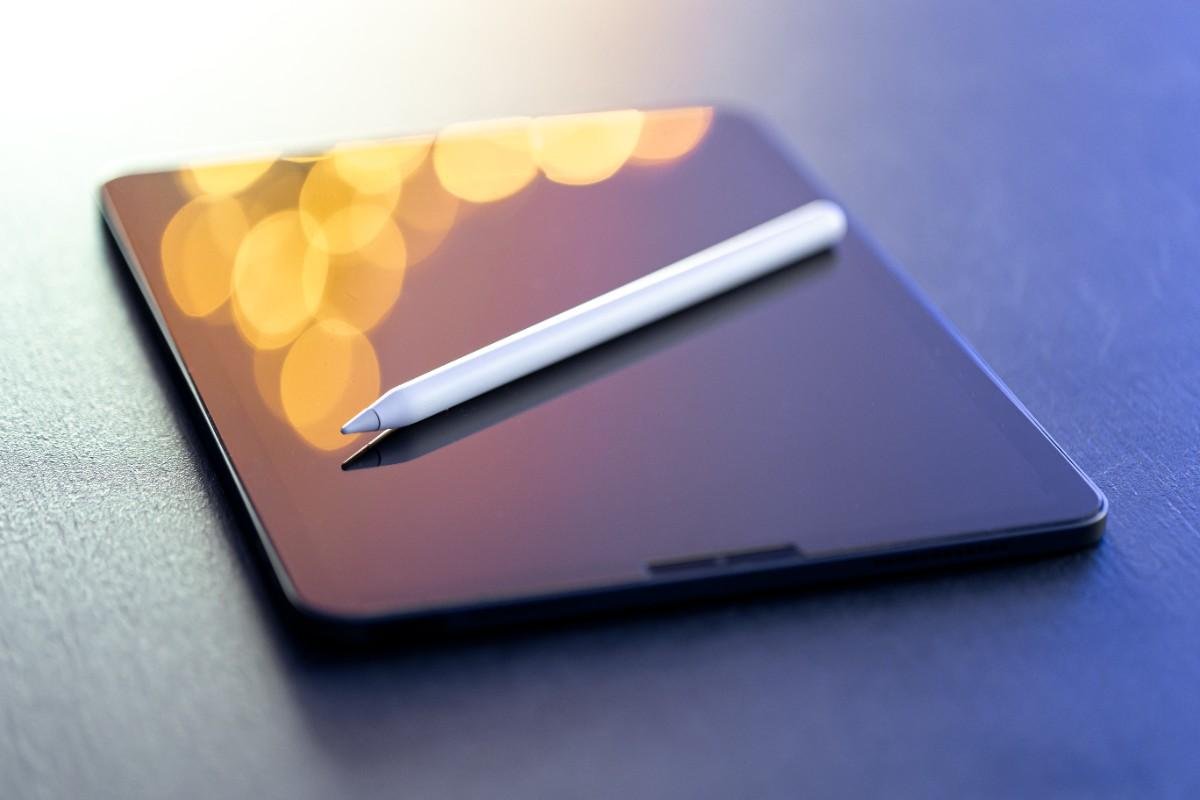
The Apple Pencil transforms the iPad into a creative tool. It’s perfect for:
- Drawing and digital art
- Taking handwritten notes
- Annotating documents
For students and designers, this feature alone can be a game changer.
- Seamless Multitasking
Thanks to iPad OS, multitasking is more efficient than ever. You can:
- Use split-screen apps
- Drag and drop content
- Switch between tasks easily
This makes the iPad a strong alternative to laptops for many users.
- Portable and Lightweight Design
The iPad is incredibly portable, making it ideal for on-the-go use:
- Easy to carry in a bag
- Lightweight for long usage
- Perfect for travel and commuting
You get powerful functionality without the bulk.
- Wi-Fi and Connectivity
With fast Wi-Fi support, iPads ensure smooth browsing, streaming, and downloading. Some models also offer cellular connectivity for internet access anywhere.
Benefits of Using an iPad
- All-in-One Device
Instead of juggling multiple gadgets, the iPad can replace:
- A laptop (for many tasks)
- An e-reader
- A sketchbook
- A media player
- Easy to Use
The interface is clean and user-friendly. Even beginners can quickly learn:
- App navigation
- Gesture controls
- Settings customization
- Massive App Ecosystem
The App Store offers apps for:
- Productivity (documents, spreadsheets)
- Creativity (drawing, music)
- Entertainment (games, streaming)
There’s something for everyone.
- Long Battery Life
Most iPads last up to 10 hours on a single charge, making them reliable for:
- Workdays
- Travel
- School use
- Great for Creativity
Artists, designers, and content creators love the iPad for its precision and performance.
iPad Models Comparison (Simplified)
Here’s a quick breakdown of common iPad types:
Standard iPad
- Affordable
- Great for everyday use
- Ideal for beginners
iPad Mini
- Compact and ultra-portable
- Perfect for reading and travel
iPad Air
- Balanced performance and price
- Great for students and professionals
iPad Pro
- High-end performance
- Best for creatives and advanced users
Pros and Cons of the iPad
Pros
- Excellent display quality
- Smooth performance
- Huge app ecosystem
- Lightweight and portable
- Strong battery life
Cons
- Accessories (like Apple Pencil) cost extra
- Limited compared to full desktop OS
- Premium pricing for higher models
Who Should Buy an iPad?
The iPad is ideal for:
Students
- Note-taking with Apple Pencil
- Online classes and research
- Lightweight for carrying
Professionals
- Emails, presentations, and meetings
- Productivity apps and multitasking
Creators
- Drawing, video editing, and design
- High-performance tools
Casual Users
- Browsing, streaming, and gaming
- Reading and social media
iPad Buying Guide: What to Consider
Before purchasing an iPad, consider these key factors:
- Budget
- Entry-level models are affordable
- Pro models are more expensive but powerful
- Storage
Choose based on usage:
- 64GB–128GB: Basic use
- 256GB+: Heavy apps and media
- Screen Size
- Smaller screens = portability
- Larger screens = better productivity
- Accessories
Think about whether you need:
- Apple Pencil
- Keyboard case
These can enhance functionality significantly.
- Use Case
Ask yourself:
- Do you need it for work, study, or entertainment?
- Will it replace your laptop?
Frequently Asked Questions (FAQs)
- Can an iPad replace a laptop?
For many users, yes. With multitasking, keyboard support, and powerful apps, it can handle most daily tasks. However, advanced software users may still need a full computer.
- Is the iPad good for students?
Absolutely. It’s perfect for note-taking, online learning, and research. The Apple Pencil adds extra value for studying.
- Which iPad is best for beginners?
The standard iPad is the best starting point. It offers great value and covers most everyday needs.
- Do I need Wi-Fi or cellular?
- Wi-Fi: Best for home, school, or office use
- Cellular: Useful if you need internet access anywhere
- Is the Apple Pencil worth it?
If you plan to draw, take notes, or annotate documents, it’s definitely worth the investment.
Conclusion: Should You Buy an iPad?
If you’re looking for a device that’s powerful, portable, and easy to use, the iPad is one of the best options available today. It strikes a perfect balance between performance and convenience, making it suitable for beginners, professionals, and experts alike.
Whether you want to boost productivity, unleash creativity, or simply enjoy entertainment on the go, the iPad delivers a premium experience.
Final Call-to-Action
Ready to upgrade your digital lifestyle? Explore the latest iPad models and choose one that fits your needs. Investing in the right iPad can transform how you work, learn, and create every day.