
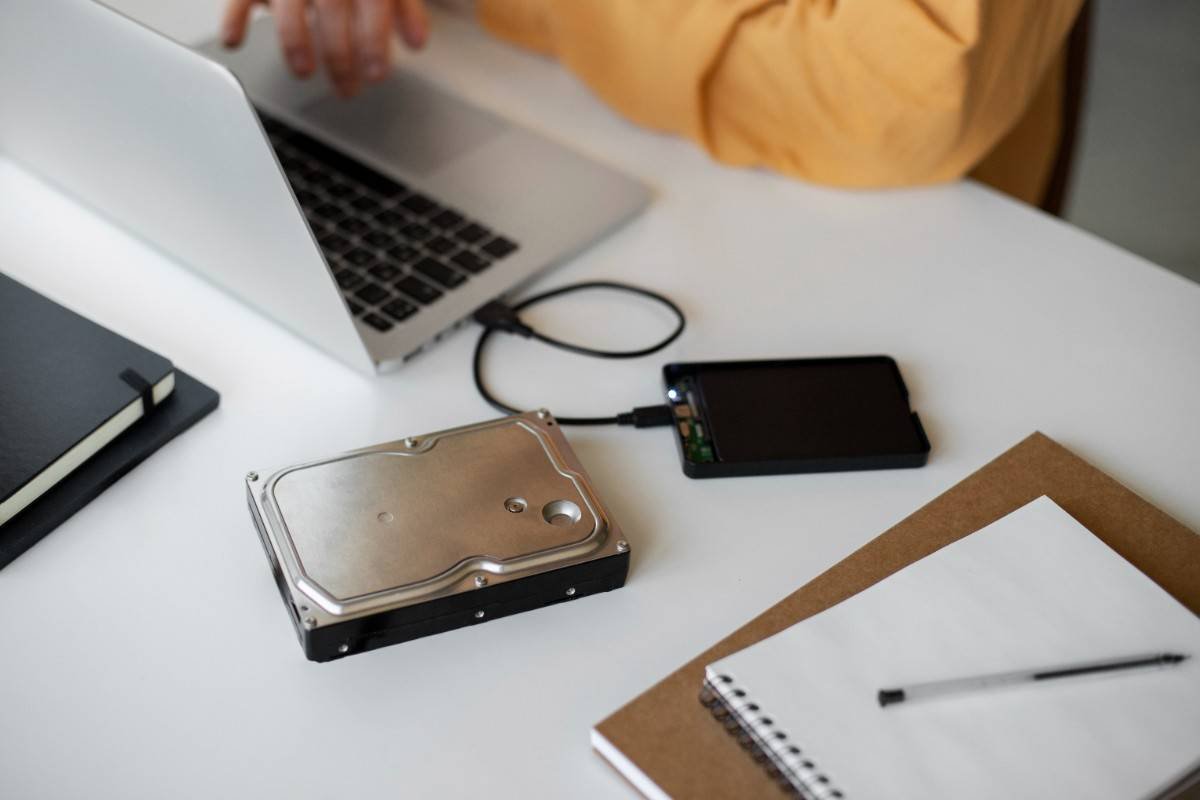
Introduction: Why Your Computer Feels Slow (And How to Fix It)
Ever clicked an app and waited… and waited? Or watched your system struggle to boot while you sip your coffee? That frustrating lag usually comes down to one thing—your storage drive.
If you’re still using a traditional hard drive (HDD), you’re missing out on the speed revolution powered by SSD (Solid State Drive) technology. Whether you’re a beginner or a tech enthusiast, upgrading to an SSD is one of the easiest and most impactful ways to transform your device’s performance.
In this guide, you’ll learn everything you need to know about SSDs—how they work, why they’re faster, and how to choose the perfect one for your needs.
What Is an SSD?
An SSD (Solid State Drive) is a storage device that uses flash memory instead of spinning disks (like HDDs). This means no moving parts—just pure speed and efficiency.
Unlike HDDs, SSDs rely on integrated circuits to store data, allowing for faster data transfer, lower latency, and significantly improved reliability.
Key Types of SSDs
SATA SSD
Uses the same interface as HDDs
Slower than NVMe but still much faster than HDD
Budget-friendly
NVMe SSD
Uses PCIe interface
Extremely high read speed and write speed
Ideal for gaming, editing, and heavy workloads
Why SSDs Are a Game-Changer
Switching to an SSD isn’t just an upgrade—it’s a transformation.
🚀 Faster Performance
Lightning-fast boot time (often under 10 seconds)
Instant app launches
Smooth multitasking
⚡ Superior Speed
Faster read speed and write speed
Ideal for transferring large files quickly
NVMe drives can be up to 10x faster than SATA
🛡️ Durability & Reliability
No moving parts = less risk of failure
Better resistance to drops and shocks
Long lifespan with modern wear-leveling technology
🔇 Silent Operation
Completely noiseless
No spinning disks or mechanical sounds
🔋 Energy Efficiency
Uses less power than HDDs
Extends laptop battery life
SSD vs HDD: Which One Should You Choose?
| Feature | SSD | HDD |
|---|---|---|
| Speed | Very Fast | Slow |
| Boot Time | Seconds | Minutes |
| Durability | High | Low (moving parts) |
| Noise | Silent | Noisy |
| Price per GB | Higher | Lower |
| Best For | Performance, gaming, work | Bulk storage |
👉 Verdict: If performance matters, SSD is the clear winner.
Key Features to Look for in an SSD
Choosing the right SSD isn’t just about buying the most expensive one. Here’s what really matters:
- Storage Capacity
250GB – Basic use
500GB – Everyday users
1TB+ – Gamers, professionals, content creators - Interface Type
SATA – Affordable, good for upgrades
NVMe – Best performance, future-proof - Read & Write Speed
Higher speeds = faster performance
NVMe drives can exceed 7000 MB/s - Form Factor
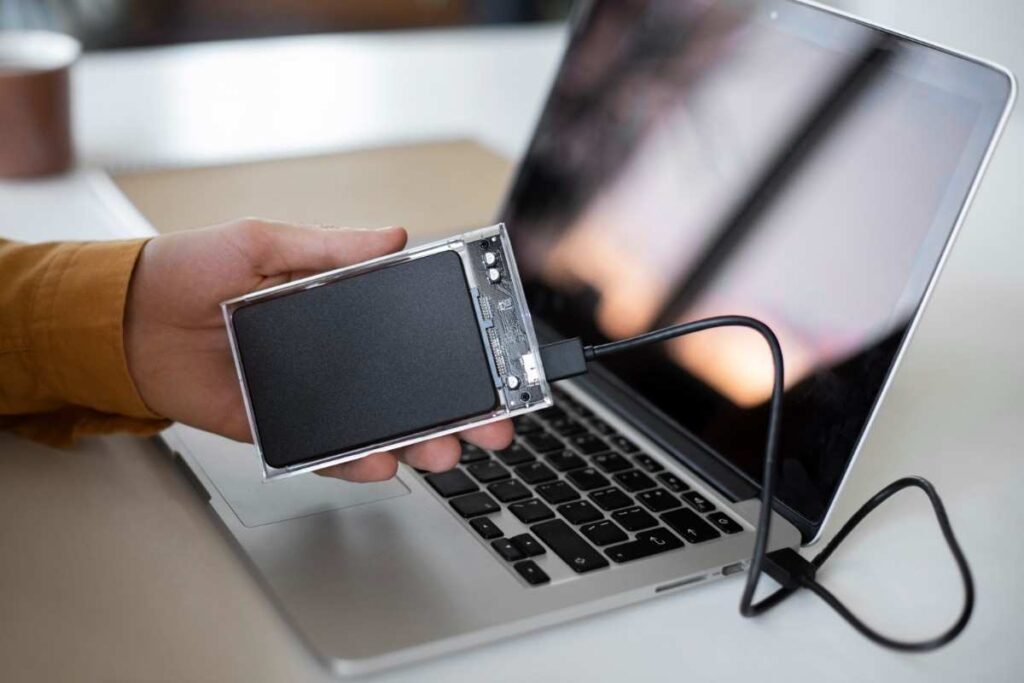
2.5-inch (SATA)
M.2 (compact, modern)
PCIe cards (high-end setups) - Endurance (TBW)
Indicates how much data can be written over time
Higher is better for heavy users
Pros and Cons of SSDs
✅ Pros
Ultra-fast performance
Low latency
Durable and shock-resistant
Energy-efficient
Silent operation
❌ Cons
Higher cost per GB
Limited write cycles (though rarely an issue for average users)
Smaller storage compared to HDD at same price
Who Should Buy an SSD?
An SSD is ideal for almost everyone—but especially:
👨💻 Students & Office Users
Faster boot time and smoother multitasking
Great for productivity apps and browsing
🎮 Gamers
Faster game load times
Reduced lag in open-world games
🎥 Content Creators
Quick file transfers
Efficient video editing and rendering
💼 Professionals
Reliable performance for demanding tasks
Ideal for programming, design, and business use
Best SSD Buying Tips (2026)
Before you click “buy,” consider these practical tips:
✔️ Choose NVMe if your system supports it
It offers unmatched speed compared to SATA.
✔️ Don’t overspend on speed you won’t use
Casual users don’t need top-tier NVMe drives.
✔️ Check compatibility
Make sure your motherboard supports M.2 or NVMe.
✔️ Balance capacity and budget
It’s better to get a slightly larger SSD than run out of space quickly.
✔️ Consider trusted brands
Look for reliable manufacturers with good warranties.
Real-Life Use Cases
Laptop Upgrade: Replace HDD with SSD → Boot time drops from 2 minutes to 15 seconds
Gaming PC: Install games on NVMe SSD → Faster loading screens
Office Setup: SSD improves workflow efficiency significantly
Content Editing: Large file transfers become seamless
Frequently Asked Questions (FAQs)
- Is SSD better than HDD for everyday use?
Yes. SSDs offer faster speed, better durability, and improved overall performance.
- How long does an SSD last?
Most SSDs last 5–10 years depending on usage and write cycles.
- Can I use SSD and HDD together?
Absolutely. Use SSD for OS and apps, and HDD for bulk storage.
- Is NVMe worth it over SATA?
If you want maximum performance—yes. For basic use, SATA is still excellent.
- Will SSD improve gaming performance?
It won’t increase FPS significantly, but it will drastically reduce load times.
Conclusion: Upgrade to SSD and Feel the Difference
If your computer feels slow, upgrading to an SSD is the simplest and most effective solution. With faster data transfer, lower latency, and improved durability, SSDs are no longer a luxury—they’re a necessity in 2026.
Whether you’re working, gaming, or just browsing, the speed and responsiveness of an SSD will completely change your experience.
👉 Ready to upgrade? Choose the right SSD based on your needs and budget—and enjoy a faster, smoother, and more reliable system starting today.